Digital Work System for Digital Sharing and Organization

Digital Work and Digital Sharing in a Structured System

What Digital Work Means Today

Digital work is no longer just about files and folders — it’s about clarity, structure, and seamless digital sharing.

This digital system helps organize work, manage projects, and share content in one place. Designed for creators, teams, and individuals, it transforms chaos into a clear digital workflow. Whether you work alone or with others, it supports productivity, transparency, and long-term organization.

Compatible with All Windows Devices

Runs on all Windows PCs and laptops. No server or cloud needed.

Free for YOU

Digital work and sharing

What Is Digital Work and Its Benefits

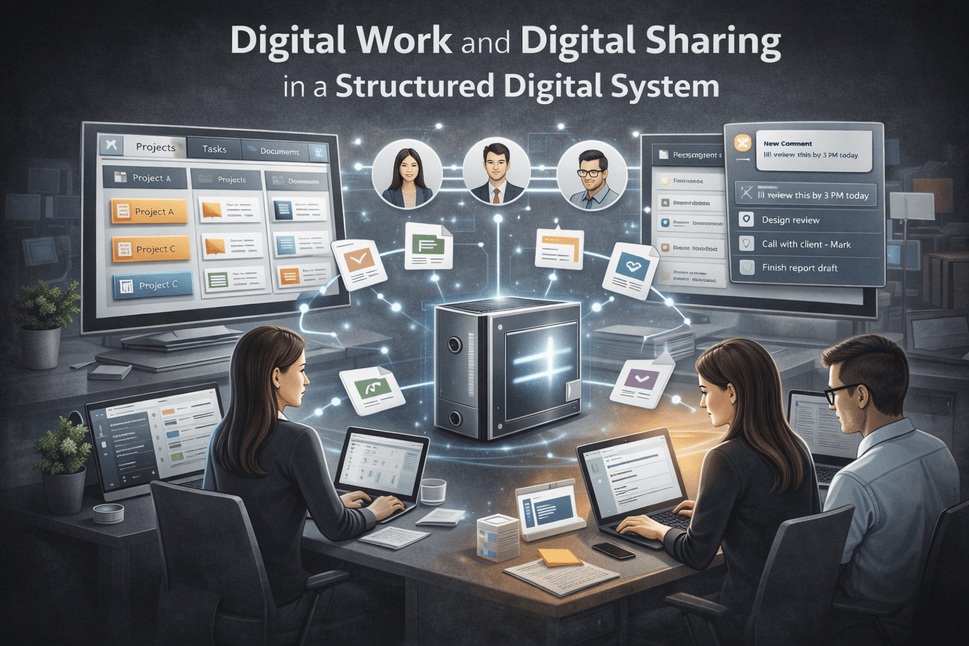
Workplace system and digital sharing in one structured workspace

Digital work refers to how tasks, projects, and information are created, managed, and shared using modern online tools. A well-designed structured workspace allows you to centralize your activities, reduce friction, and improve communication — all without unnecessary complexity.

Instead of jumping between multiple platforms, your workflow becomes one structured process that grows with your needs.

A strong system offers more than convenience — it creates consistency and focus.

Key Benefits of a Digital Work System

  • Clear structure for tasks, files, and projects
  • Faster workflows and less decision fatigue
  • Better collaboration and information sharing
  • Easy access to data anytime, anywhere
  • Scalable organization for long-term use

This type of structured environment makes processes easier when everything has a purpose and a place, helping teams stay organized and efficient.

Digital Sharing: Organize and Collaborate Effectively

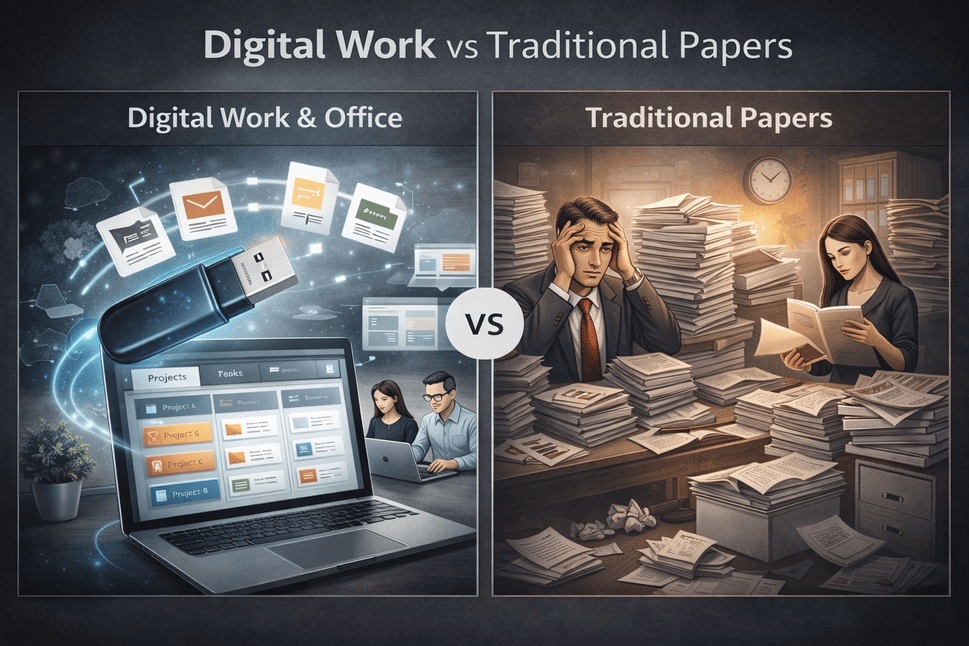
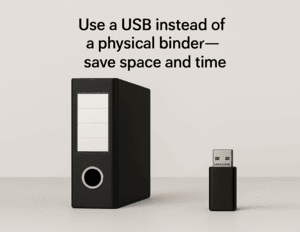
Digital workspace system compared to traditional paper documents

Collaborate Across Teams and Platforms

Digital sharing is a key part of modern digital workspace. It allows you to share documents, workflows, and projects without confusion or duplication.

Instead of sending multiple versions or links, digital sharing becomes intentional and organized. Everyone knows where to find the latest information, improving trust and efficiency across teams and collaborations.

Example Digital System and FAQ

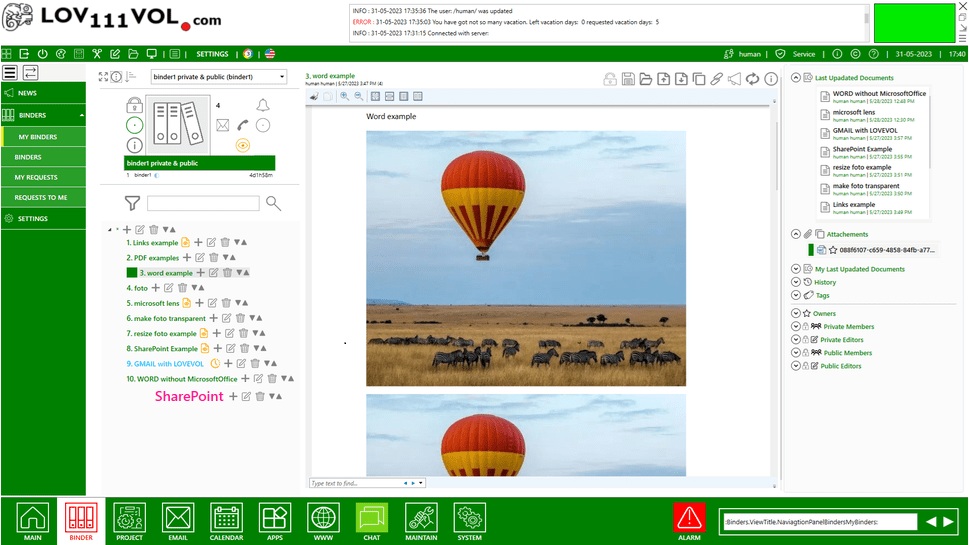
Example of a Workspace and digital sharing system

Digital System

An example of a structured online system includes a central workspace for projects, dedicated sections for tasks, resources, and notes, organized folders or dashboards for easy navigation, and clear rules for digital sharing and updates.

This type of environment supports both daily operations and long-term planning, making workflows sustainable and organized instead of overwhelming.

Frequently Asked Questions - Digital Work System & Sharing

What is a digital work system?
A digital work system is a structured way to organize tasks, files, and collaboration using online tools in one cohesive workflow.

How does digital sharing improve productivity?
Digital sharing reduces miscommunication, eliminates duplicate files, and ensures everyone works with the same information.

Is this system suitable for individuals and teams?
Yes. The platform is flexible and works for solo creators, freelancers, and collaborative teams.

Can a digital system grow with my projects?
Absolutely. A well-built system is scalable and adapts as workflows and information structures become more complex.

Q: Do I need technical knowledge to run it?
A: No. This structured workspace is designed to be easy to use for small teams and companies without an IT department. You can set it up yourself in about 1 minute without technical knowledge.

Download and Run the Digital Work System

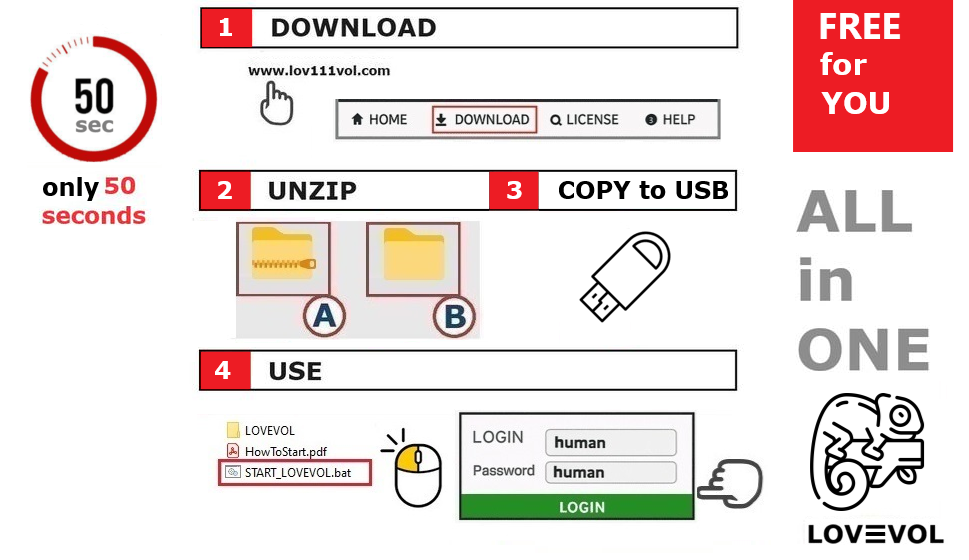
Step-by-step guide on how to download and run the digital work

Launch the Digital Work and Sharing System directly from a USB stick or your laptop – no installation needed.

Follow these simple steps to start using the digital system:

  1. Download the system from lov111vol.com.
  2. Extract the downloaded ZIP file using "Extract All".
  3. Copy the extracted content to your USB stick or your laptop.
  4. Run START_LOV111VOL.bat from the extracted folder.
  5. Log in with Username: human and Password: human.
Download the Digital Work and Sharing System