Managing Applications and Access Rights Across Languages
This is a flexible Authorization Management Software that supports diverse programming environments like Python, Java, C#, and JavaScript.
Whether you're managing web apps, desktop software, or backend services, it enables consistent authorization control and team collaboration across languages and frameworks.
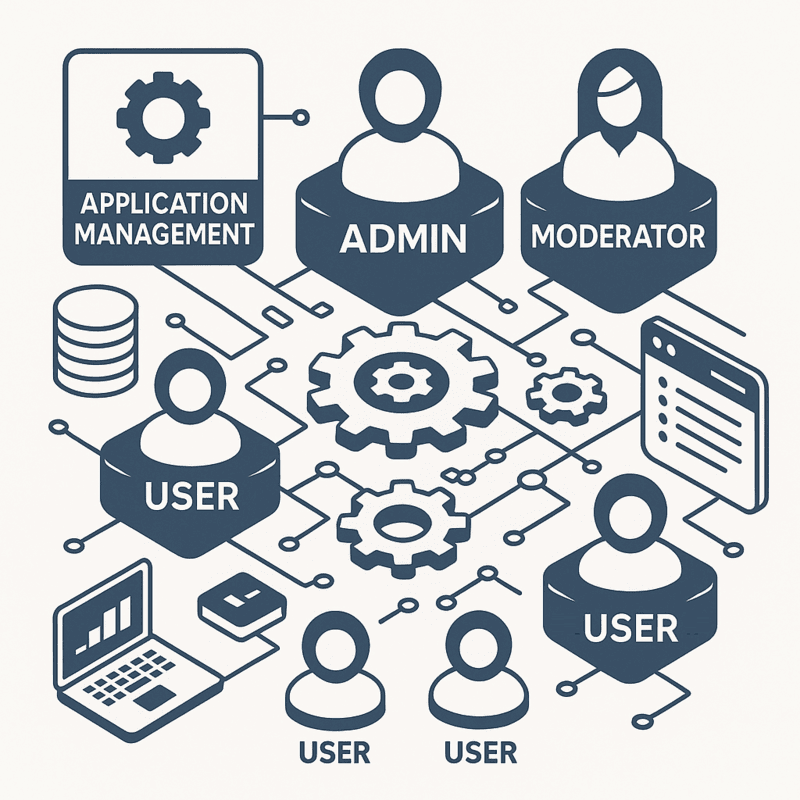
- Unify authorizations for multi-language applications
- Assign user permissions per project or module
- Integrate with your CI/CD or DevOps pipeline
- Enable agile teamwork with structured access
- Monitor, audit, and adapt permissions in real-time
This makes it an ideal solution for IT departments managing hybrid tech stacks or development agencies handling multiple client environments.
Frequently Asked Questions: Security Management System
What is Access Control Software?
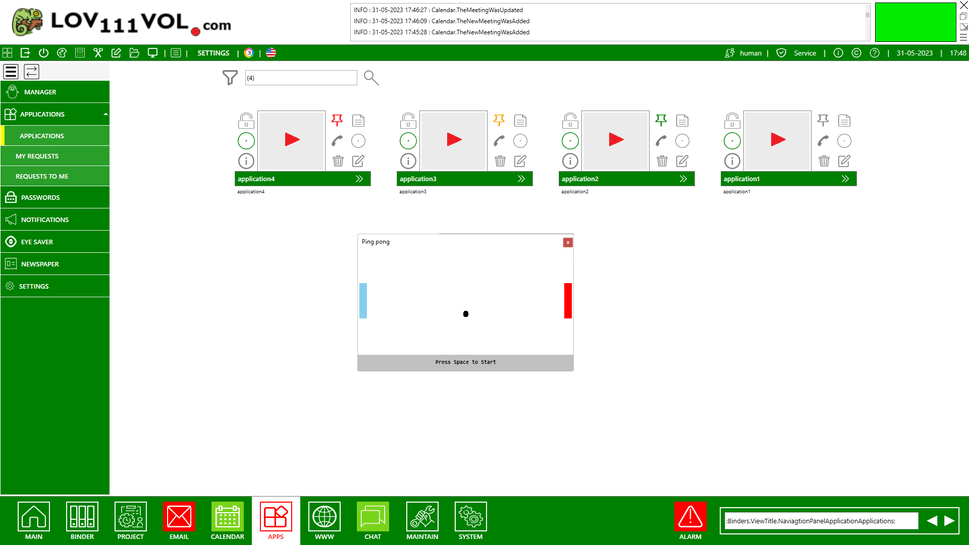
This Authorization Management Software is a tool designed to securely manage user authorizations and permissions for various software applications on a local network. It enables centralized control of who can run or access specific programs without needing internet connectivity.
How fast can I start using it?
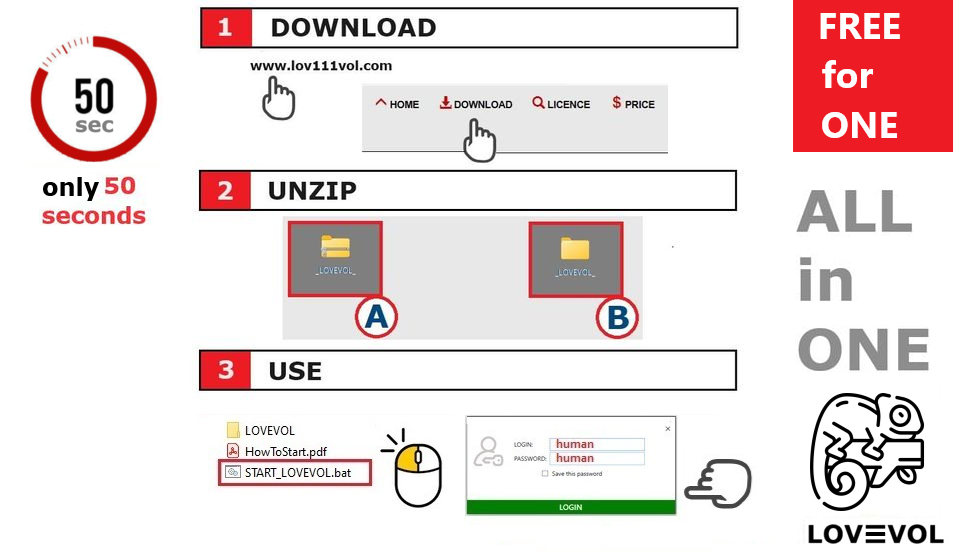
You can start using the software in less than 1 minute. Simply download, unzip, and run it. No installation or internet connection is required.
Q: How quickly can a team start using it?
A: For small teams, setup usually takes 5–6 minutes. See installation instructions for teams.
Does it work without the internet?
Yes, the software operates completely offline over a local network such as LAN or Wi-Fi, making it ideal for secure internal management of application access.
Can it manage access to executable (.exe) programs?
Yes, it allows direct management of executable (.exe) programs by defining who can access or launch specific applications within your organization.
Can it manage programs by linking to their executable files?
Yes, you can add links to executable (.exe) files directly. These programs can then be started by clicking the link within the software, enabling easy and controlled access.
Can it manage and run different versions of the same program?
Yes, the software supports managing multiple versions of applications, allowing you to maintain, control, and launch different versions as needed.
Can I customize it with my own logo and brand colors?
Yes, the software can be personalized by adding your own logo and adjusting colors to match your company’s branding.
Is it secure?
The software ensures security by managing authorization centrally and operating within a secure local network environment.
Q: Do I need technical knowledge to run it?
A: No. This calendar software is designed to be easy to use for small teams and companies without an IT department. You can set it up yourself in about 1 minute, without any technical knowledge.