Document Archiving Software
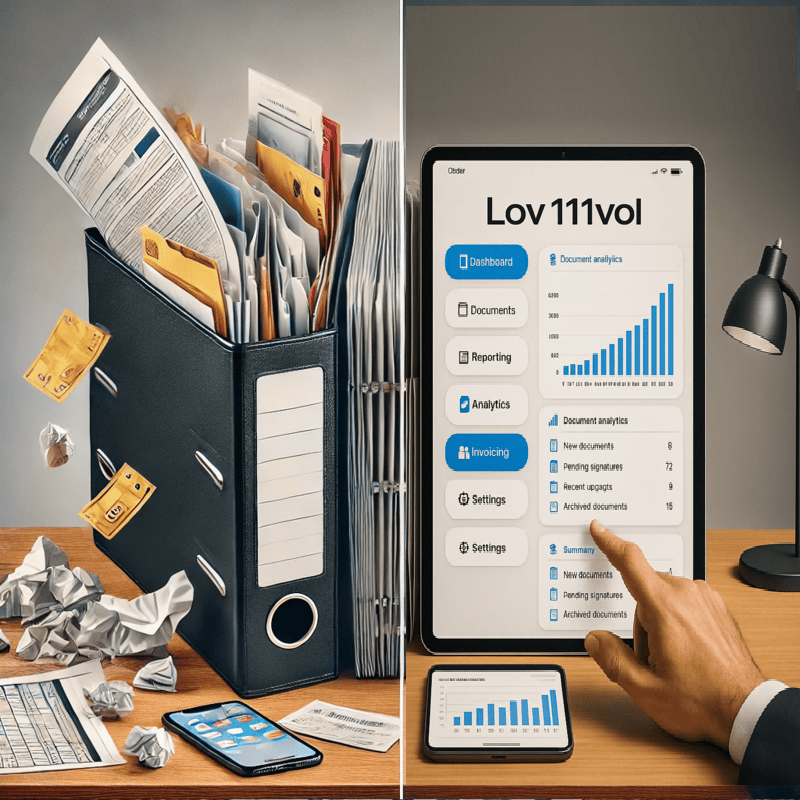
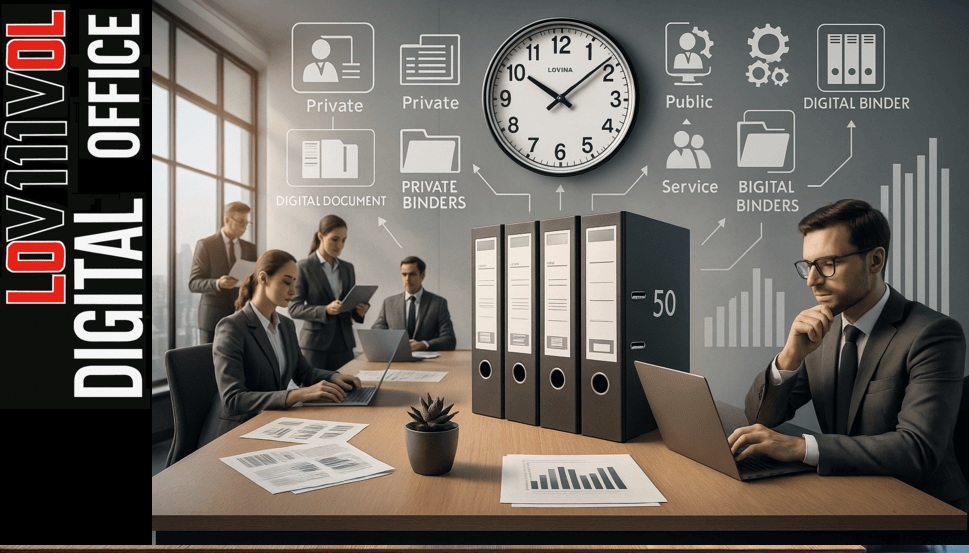
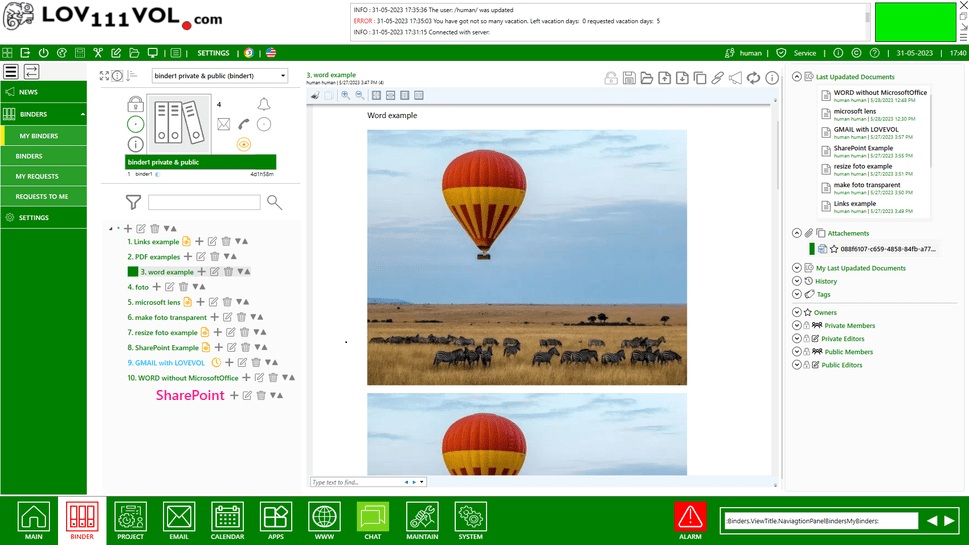
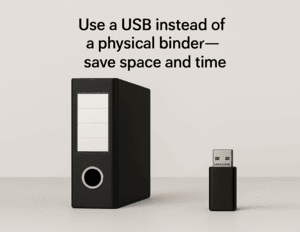
This software helps replace paper binders with a secure, digital file system.
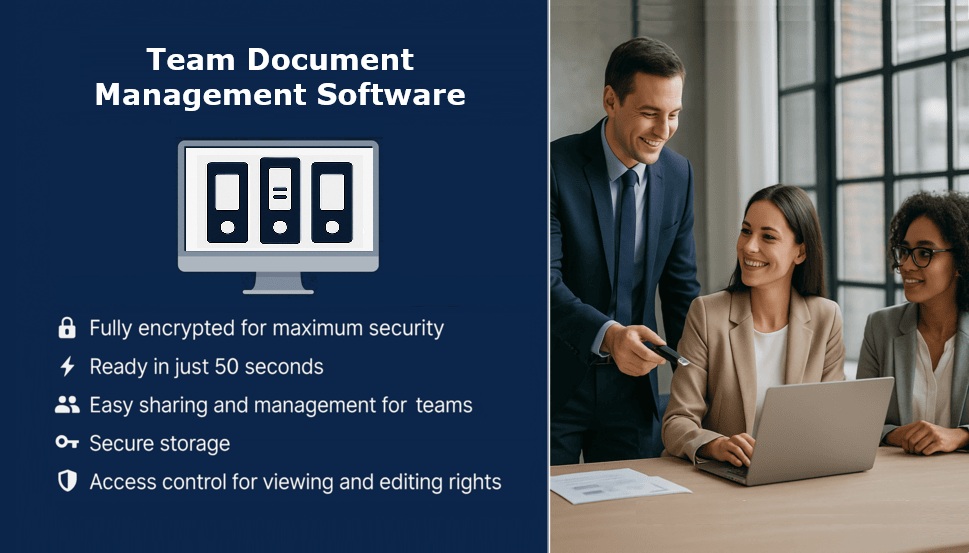
It supports archiving, fast search, file sharing, and team collaboration.
Main Features
- Drag-and-Drop File Manager – total control, no internet needed.
- Multi-Format Support – view PDF, Word, Excel, JPG, and more.
- Version Control – restore earlier file versions.
- Tags & Metadata – for fast search and organization.
- Comments & Voting – collect feedback internally.
- Secure Access Control – with full activity logs.
-
Structured File Archive – store documents in logical folders
designed for long-term retention and compliance.
-
Fast Search & Metadata Indexing – find archived files instantly
using tags, categories, and custom metadata.
-
Version History for Archived Files – track changes and restore
previous versions of archived documents.
Discover More Tools
Frequently Asked Questions – Document & File Archiving
Q: What is a Document Management and Archiving Software?
A: It replaces traditional paper folders with secure, searchable, and shareable digital documents.
Q: Is this software suitable for document archiving?
A: Yes. It’s designed for archiving and long-term document organization in secure local environments.
Q: Can I use this system offline?
A: Yes. It works fully offline and doesn’t require internet access.
Q: How fast is the setup?
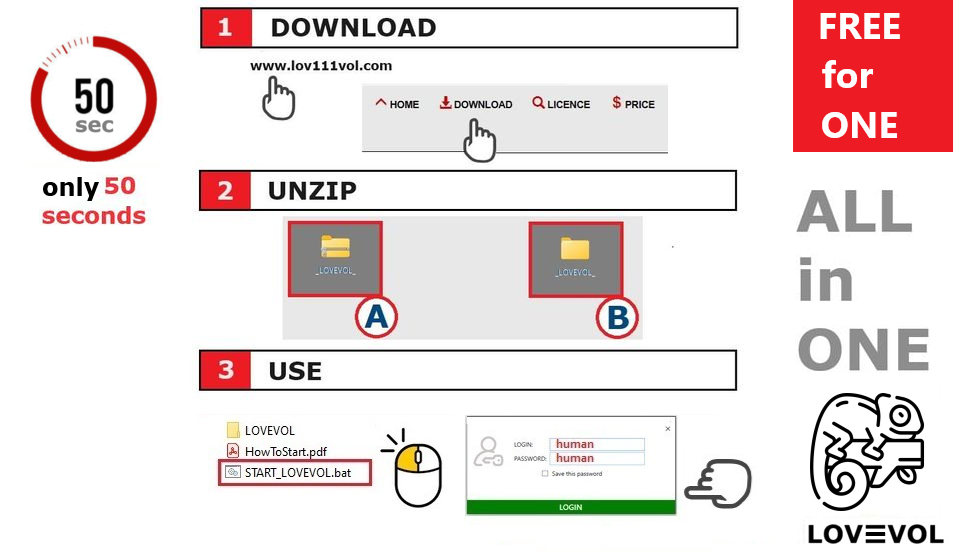
A: For a single user, setup takes about 1 minute — download, unzip, and start working.
For small teams, if you copy the database to a shared folder, it can take about 1 minute.
If you need to adjust database paths to a shared folder, the process may take around 4 minutes.
Q: Can teams collaborate using this system?
A: Yes. Teams can share access, edit files, and manage workflows securely across the organization.
Q: Does it work on Linux or macOS?
A: Yes, via Wine or Mono. Native Windows support is included.
Q: Who is this solution designed for?
A: It’s ideal for professionals who need secure, portable, offline electronic document management — including legal teams, healthcare providers, consultants, researchers, and remote workers.
Q: Is there a backup or recovery option?
A: Yes. The system supports encrypted backups and can be mirrored to another USB or offline location for recovery.
Q: Is the interface user-friendly?
A: Absolutely. The layout is clean and intuitive, designed for easy use without technical knowledge.
Q: Can it also run from a cloud or network drive?
A: While designed for offline use, it can also be stored on a private cloud or network drive depending on your configuration.
Q: What is file archiving software?
A: File archiving software is used for long-term storage and organization of documents,
allowing companies to securely store, search, and retrieve archived files when needed.
Q: How is document archiving different from document management?
A: Document management focuses on active files and daily workflows,
while document archiving is designed for long-term storage,
compliance, and secure retention of files that are no longer edited frequently.
Q: Do I need technical knowledge to run it?
A: No. This digital workspace is made to be easy to use for small teams and companies without an IT department. You can set it up yourself in about 1 minute, without any technical knowledge.